How time flies when you’re learning new things! The past few weeks have been a whirlwind, and deliciously challenging.
A few weeks ago I established my digital identity plan.
To watch the update, click the screenshot to view the Unit 5, Activity 1 content (stored on Dropbox.)
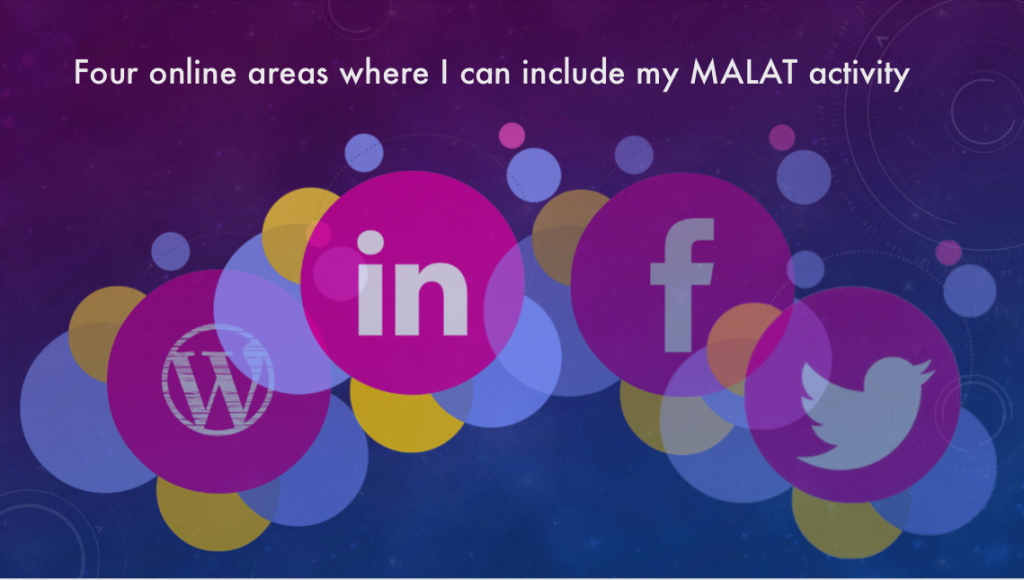
Screenshot from digital plan review video
The video transcript follows:
It’s hard to believe we’re at the end of the first course already. Here’s my update on my digital presence and identity plan. In my plan, I identified four areas where I can include my MALAT activity. These include:
- My professional site
- Students’ Facebook page
On my professional site, my goal was to post some general interest MALAT content. So far, I have added one post to my site about LinkedIn mapping.
I have a Facebook page for students and graduates, and my plan was to post some general interest MALAT content. I have added one Facebook post so far.
On my LinkedIn page, I wanted to extend my reach by posting articles. I’ve updated my education to include the MALAT program (in progress), and posted my LinkedIn mapping content to the site. The group project on fake news was posted to LinkedIn as well.
Twitter is hard for me to come to grasp with as I’m personally biased about its value. Hopefully, with persistence and understanding, I’ll overcome my bias. I have a new Twitter identity as dbaker_MALAT, and have tweeted three times. I’m dipping into the Twitter stream, and the topic of my briefing note was on the use of social media like Twitter in a business setting.
Did I stick to the plan?
Why, yes I did.
What did I learn?
I learned how to examine what I am doing digitally, and to quantify what I need to do.
Future plans?
I intend to stick to my current schedule. Like my classmates, I have many other demands on my time, and incorporating MALAT content into the venues I’ve identified will help develop my digital identity without adding an extraordinary level of pressure.
The music for this video is titled “River Meditation” by Jason Shaw, available at orangefreesounds.com.
June 15, 2017
Great video Donna! What program did you use to create all the visual movement?
June 16, 2017
Hi Angie –
Thanks! For bigger projects I usually use Premiere Pro, but for this I used ScreenFlow, which is a Mac video editing program.